Product Lookup by Serial Number: What Does Each Result Mean?
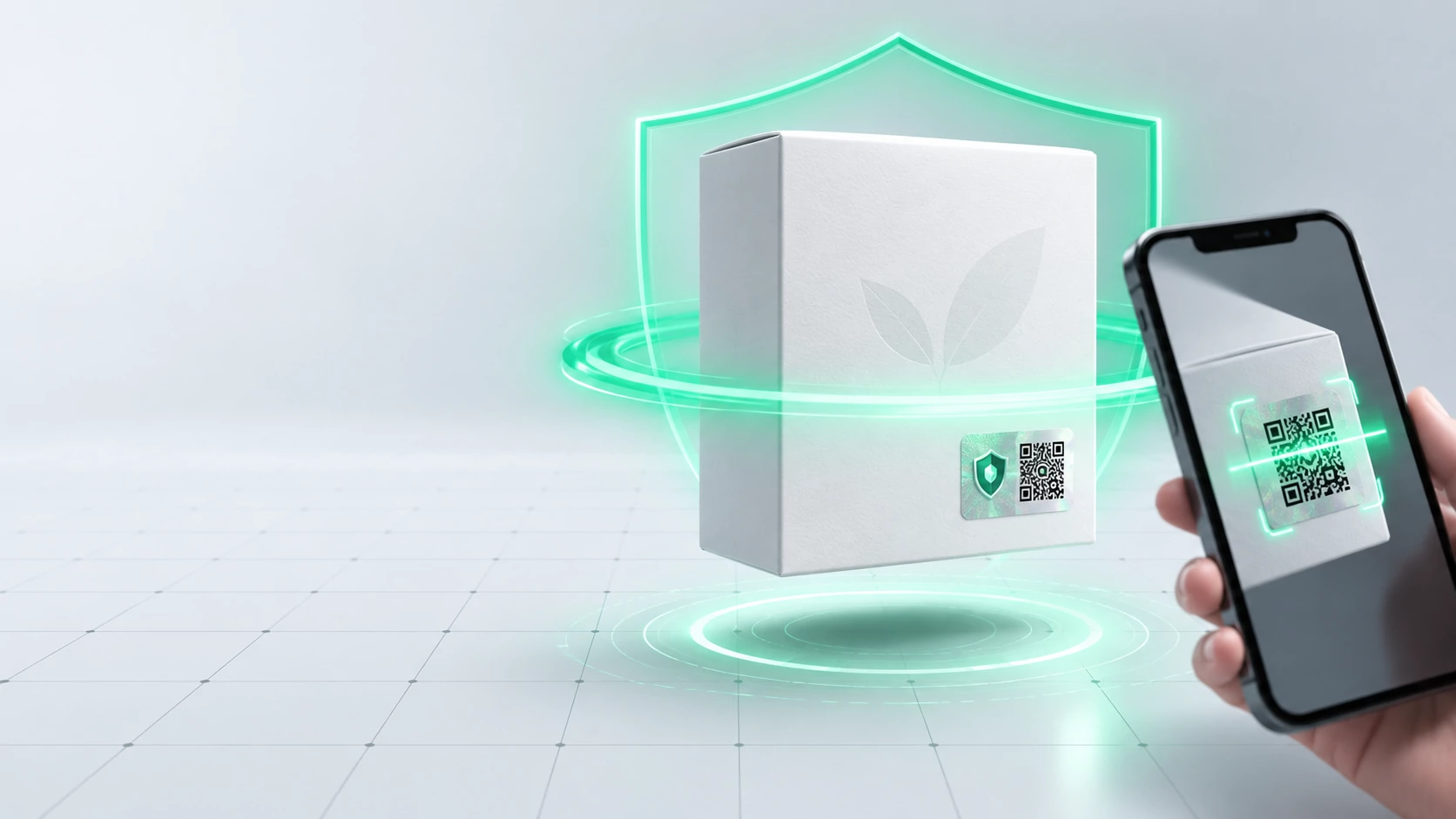
A product lookup by serial number compares the identity of one physical item with records maintained by a brand or manufacturer. A match may support consistency around the model, production record, or warranty status, but a visible serial number alone does not prove that the item is genuine.
A reliable check begins on the brand's official website, app, or support channel. The result should then be compared with the item, its packaging, proof of purchase, seller, and any available activation or authentication history.
For a brand, the task is larger than adding a search box. Every possible result needs a clear meaning, a next step for the customer, and an internal record flow that can investigate copied or reused identities.
How is a serial number different from other product identifiers?
A model code or trade item number may be shared by every unit of the same product type. A batch identifies a production group, while a serial distinguishes one physical unit within the chosen identity scheme. A customer-facing authentication code may be separate again, linking a package to a controlled verification event.
GS1's official explanation of serialisation describes how a product identifier and a serial component work together to distinguish an item instance. The practical question is therefore not whether a number looks unique, but within which product definition it is governed.
| Identifier | Primary role | What it does not prove alone |
|---|---|---|
| Model or product code | Identifies the product type | The history of this individual unit |
| Batch number | Links a production group | One item inside the group |
| Serial number | Distinguishes an item | That the number is attached to the correct item |
| Authentication code | Connects a user check to a brand record | Every physical property of the product |
How should a customer look up a product by serial number?
Open the brand's official site, application, or support page independently. Do not assume that a similar-looking address in a message or search result is official. If a code on the pack opens a page, compare its domain with the address published by the brand.
- Find the serial number on both the product and its packaging.
- Compare every character, separator, and space.
- Enter the number exactly on the official lookup page.
- Compare the returned model, variant, or date with the item.
- Add the invoice, order, and authorised seller record to the review.
- Report any mismatch with screenshots and product photographs.
A complete serial should not be posted in public forums or marketplace listings. Avoid exposing a reusable identity. Share it only through the official channel and only to the extent required by the brand's support team.
What do common lookup results actually mean?
Record found means the entered identity has a corresponding database record. A matching model and variant strengthen consistency, yet a serial copied from a real unit could still appear on another item. Packaging and seller checks therefore remain relevant.
No record found is not an automatic counterfeit verdict. The cause may be a typing error, the wrong identifier, an older item, a regional database, or a record that has not been transferred. Recheck the number and ask what product range the official service covers.
Previously used or a similar warning is a signal for review. The owner may have checked the item again, a service team may have scanned it, or the identity may have been copied to another pack. Time, channel, and product context are necessary before reaching a conclusion.
Why does a serial number not prove authenticity on its own?
A serial can be printed, photographed, or copied from a genuine product. A database match confirms the record, not the physical bond between that record and the item in hand. Package integrity, product characteristics, sales documentation, and lookup history should be reviewed together.
A general retail barcode also needs to be separated from an item-level serial. The barcode may identify a product type, while item lookup requires a separately governed identity for each unit. The batch and serial tracking guide explains these identity levels in more detail.
How should brands design a trustworthy lookup flow?
Begin by defining which identity the customer will see and who controls its master record. Product type, batch, serial, package authentication code, and sales record need explicit relationships. Otherwise, the result can be technically valid while remaining operationally incomplete.
- Write a clear message for every possible status.
- Do not present a valid record as an unconditional authenticity verdict.
- Record repeat checks with time and process context.
- Provide a support route for model, variant, or packaging mismatches.
- Define cancellation, return, service, and repacking states.
- Limit production data that the customer does not need to see.
A result page should explain more than valid or invalid. It should tell the customer what was checked, what the result does not establish, and which evidence to provide if concern remains. This turns lookup into a usable support process rather than an isolated label feature.
How can serial and authentication identities work together?
A serial may serve production, warranty, or service records. A customer-facing authentication code can provide a controlled route into that identity. When the mapping is governed, the brand can review which product record is associated with the package being checked.
The xBarkod product authentication system supports a unique QR code and hidden scratch-off PIN for every product, checks prior code use, and records authentication events with product, time, and location information in the company dashboard. This layer does not replace existing serial, stock, or warranty records; it should be assessed alongside them.
A useful pilot selects one product family and tests valid codes, a wrong PIN, repeat checks, returns, and support cases on real packaging. The unique product code guide helps teams plan the link between the code, product master, and pack.
What should a pilot prove before rollout?
The goal is not merely to scan a code. The correct product record must open, the message must be understandable, an authorised team must be able to locate the event, and each exception must reach a recorded decision.
- Does the correct serial and authentication code open the right product?
- Can the process detect a mismatch between pack and item?
- Can a legitimate recheck be separated from unexplained reuse?
- Is a returned or cancelled item's status displayed correctly?
- Can support connect the lookup with order and service records?
- Is unnecessary personal or operational information hidden?
Rollout decisions should rely on the brand's own pilot evidence. Unreadable labels, product mismatches, unexplained repeats, and support cases without an outcome should be resolved before the system is expanded to more products.
What are the limits of serial number lookup?
A lookup service cannot end counterfeiting by itself. It also cannot automatically inspect internal quality, ingredients, or regulatory compliance without the relevant processes and evidence. Its role is to make a brand-governed identity and its recorded events visible.
When a result is suspicious, review the product, pack, invoice, sales channel, and lookup history before accusing a customer or seller. Teams dealing with devices can also use the electronics authenticity guide for model, device, and packaging comparisons.
Frequently asked questions about product lookup by serial number
Does a serial number show that a product is genuine?
Not by itself. A database match is a useful consistency signal, but the product, pack, seller, proof of purchase, and available authentication history still require review.
Are a serial number and a barcode the same?
Usually not. A barcode may identify a product type or act as a data carrier, while a serial distinguishes one physical item in a governed identity scheme.
Does no record mean that the product is counterfeit?
No. Typing errors, a different lookup service, an older item, or a record that has not been transferred are possible explanations that official support should investigate.
What should I do if the same serial appears on two products?
Keep photographs of both items, their packaging, and purchase records. Report the issue privately to the brand so it can investigate copying or a data error.
Can a QR code replace a serial number?
A QR code is a data carrier. It may carry a serial or a separate authentication identity, but traceability comes from its governed connection to product and event records.
What should a brand display on the lookup page?
Show enough model, variant, status, and next-step information for a meaningful comparison. Avoid exposing production, trading-partner, or personal data that the user does not need.
Conclusion: Manage the meaning, not just the number
Product lookup by serial number creates value when the identity, official channel, and result message are designed together. Brands should connect found, missing, and previously used states with the physical product and commercial context, then give the customer a clear next step.
Before choosing a broad rollout, prove the relationship among serial, package code, sales record, and support workflow in one product family. Expand only after results are consistent and exceptions can be investigated to a documented outcome.
More Articles

How to Prevent Brand Copying: A Daily Control Flow for Export Brands
Protect an export brand with trademark controls, unique product codes, QR and concealed PIN checks, plus dashboard review of suspicious activity.

Automotive Part Serial Number Tracking: From OEM Reference to Service Record
Build automotive part serial tracking from supplier to service; separate OEM references, batches, item serials, authentication, and return records.
Medical Device Tracking in Türkiye: Separating ÜTS from Brand Authentication
Separate ÜTS duties, batch and serial records, and brand authentication in medical device tracking; map the right data flow, controls, and daily reviews.